save · organize · resurface
Bookmarks forget.
PIMS remembers.
Save any article, video, repo, or post you find online. PIMS auto-organizes it, watches it for updates, and resurfaces it exactly when it's worth another look — so the good stuff never gets buried again.
Free to use No credit card Private to you
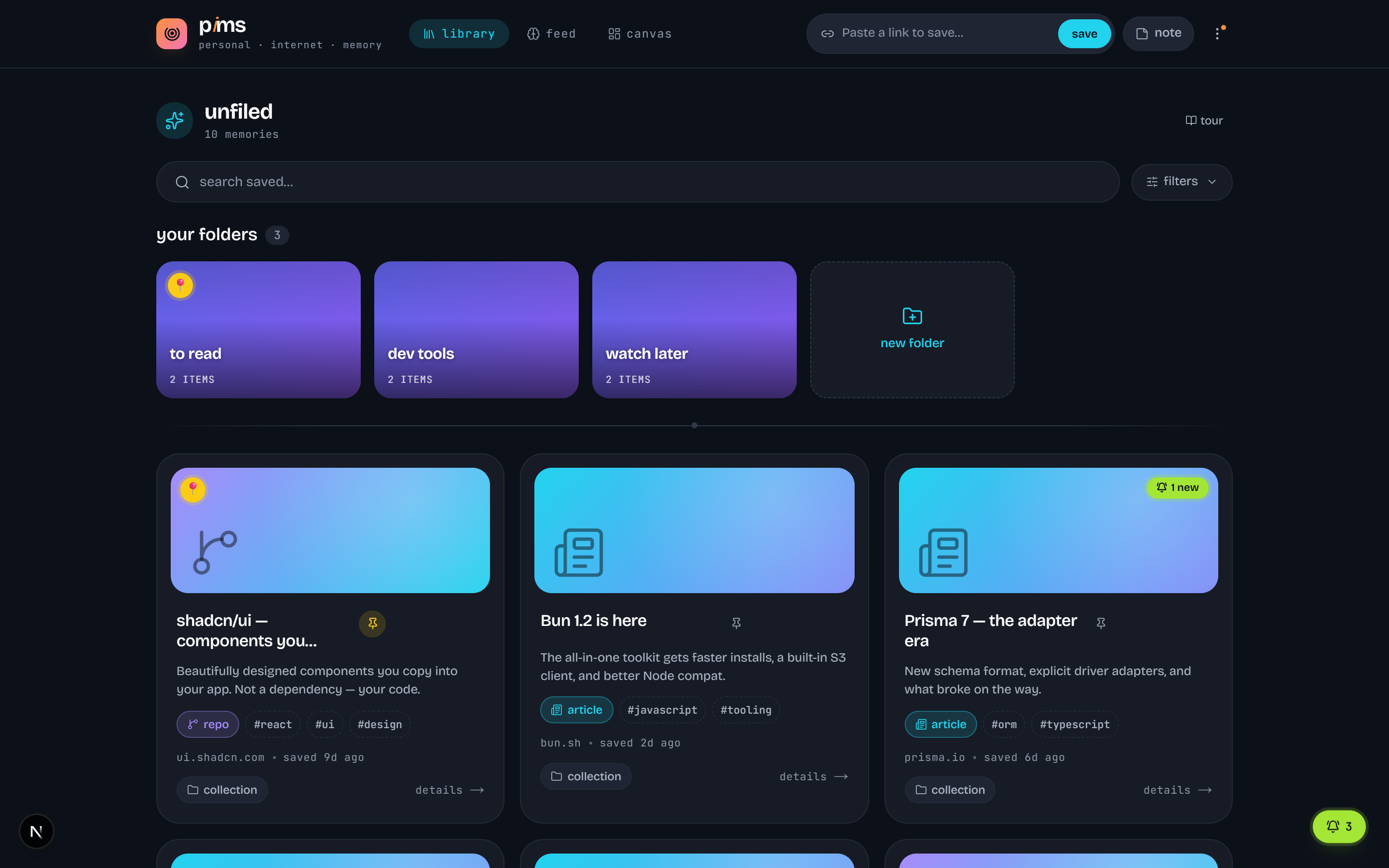
We all save links we never see again. PIMS is built to give them back.
how it works
From “saved and forgotten” to “back when it counts.”
Four quiet steps run on everything you save — no AI to babysit, no feeds to scroll.
- 01
Save in one paste
Paste any link — or share to PIMS from your phone. It pulls the title, image, and detects whether it's an article, video, repo, or post automatically.
- 02
Auto-organized
Every save is sorted by type and ready to drop into folders by topic or project. Totally optional — your library works great with zero setup.
- 03
Quietly tracked
Saved a GitHub repo or a YouTube channel? PIMS watches for new releases and uploads and flags what changed since you last looked.
- 04
Resurfaced for you
The feed brings back saves worth a second look — not a stream of new noise, but your own finds, returned at exactly the right time.
your library
Everything you save, in one calm place.
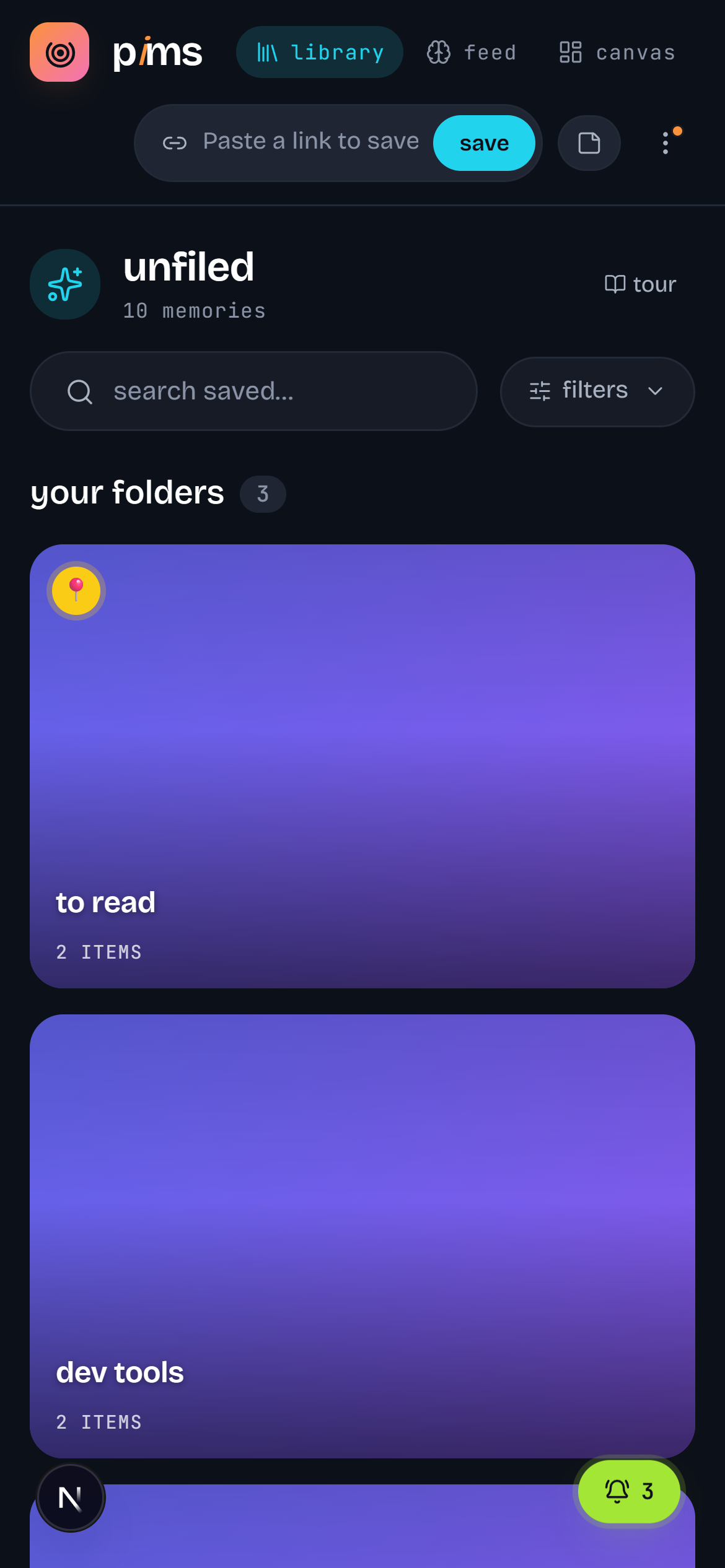
Cards that actually look like what they are. Folders when you want structure, search when you need it, pins for the essentials. No walls of blue text — your memory, laid out the way you think.
- Type-aware cards for articles, videos, repos & posts
- Folders, tags, pins — all optional
- Search and filter across everything at once
the difference
It brings the good stuff back.
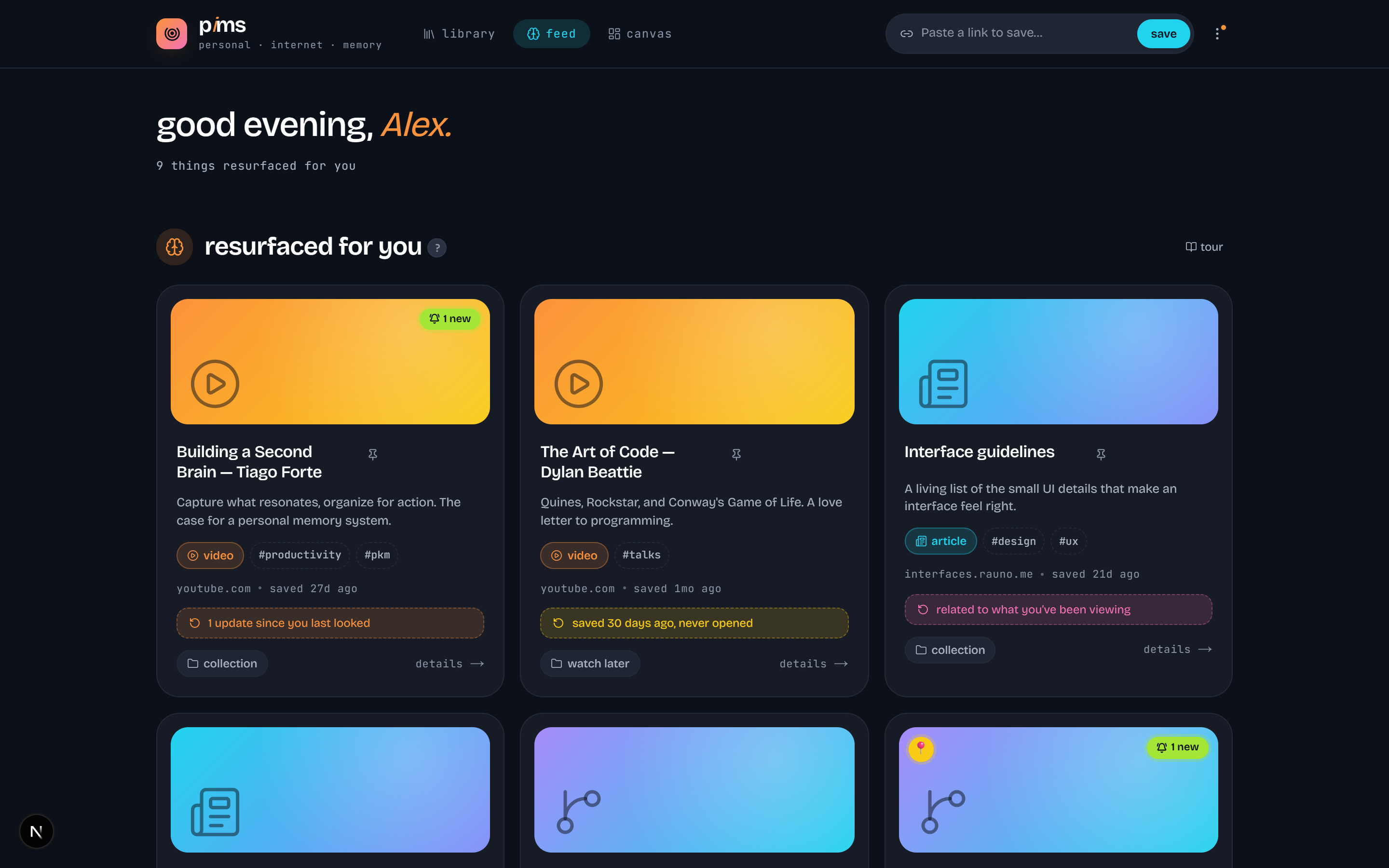
This is what a bookmark folder never does. The feed resurfaces saves that deserve a second look — something you bookmarked weeks ago and forgot, a repo that just shipped a release, a video you meant to watch — each with a reason it's back.
- “Worth revisiting” and “almost forgotten”, surfaced for you
- “What's new” from the things you track
- Returns your own finds — not an endless stream of new noise
go deeper
Think it through on a canvas.
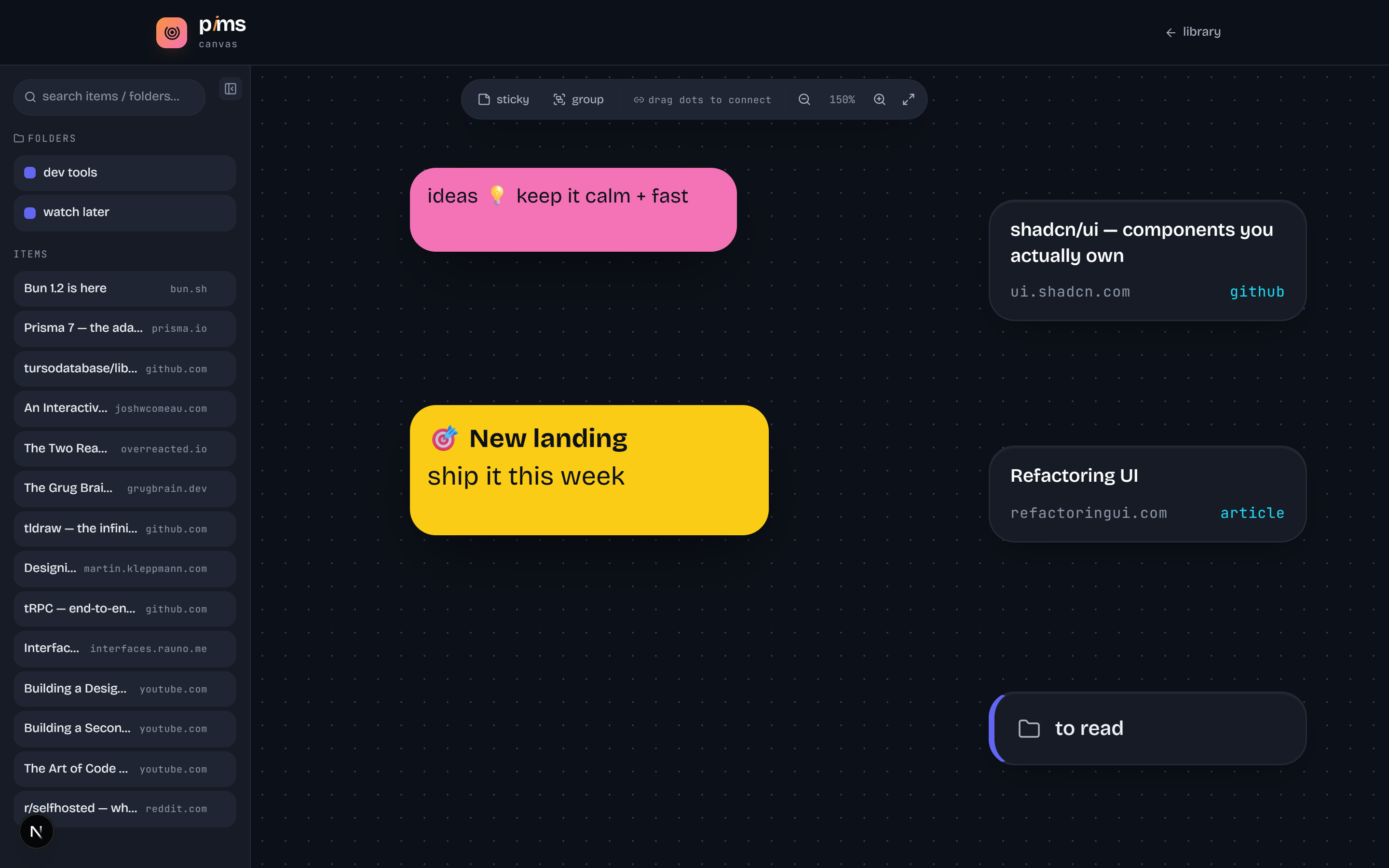
Pull saved links, folders, and sticky notes onto an infinite canvas and wire them together. Plan a project, map a topic, or sketch what to read next — your memory, rearranged the way your head works.
anywhere
Save from your phone, too.
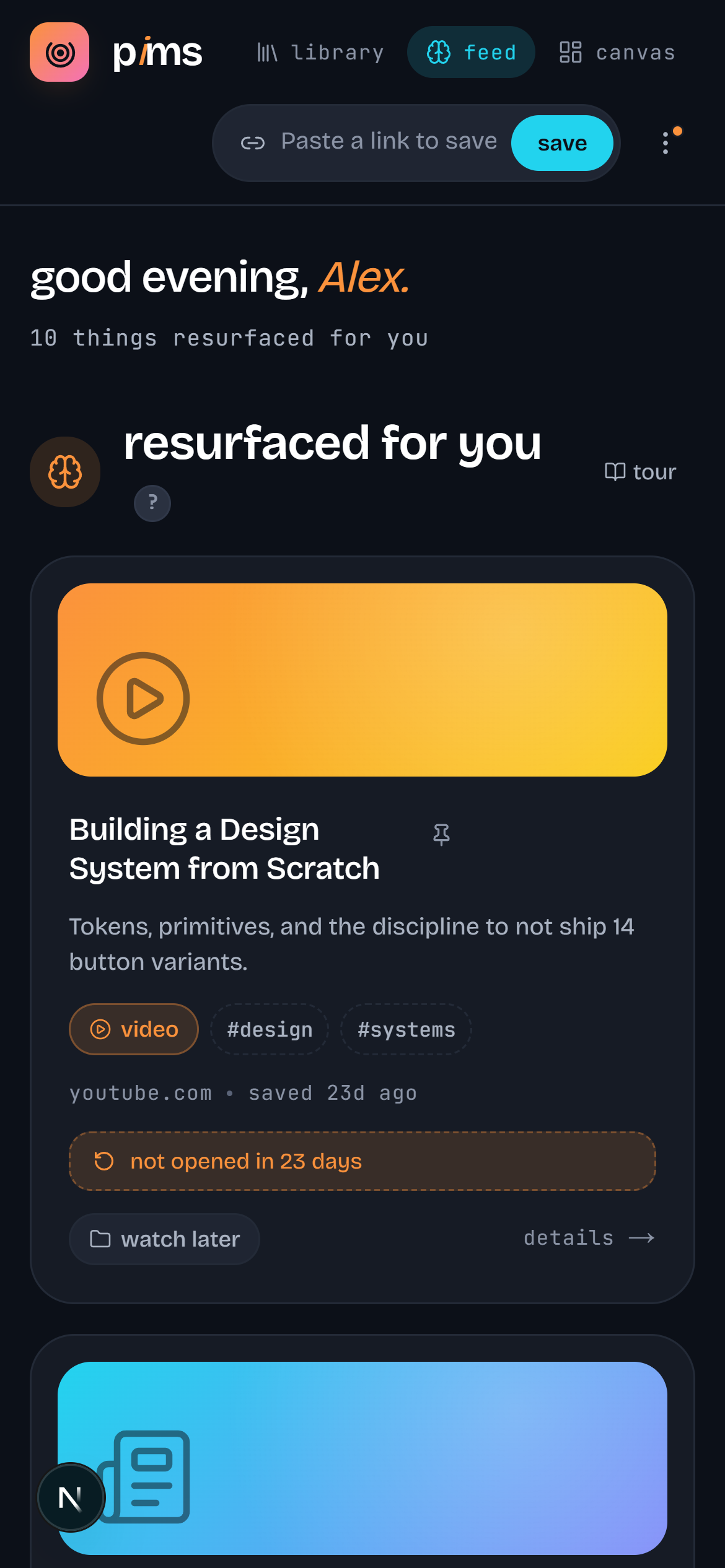
Install PIMS to your home screen and it behaves like a native app — share a link from any browser straight into your memory, and pick it back up later on the desktop.
everything in the box
Small touches that add up.
Knows what you saved
Articles, videos, repos, threads, podcasts — auto-detected and badged, each with its own look.
Folders, if you want them
Group saves into folders by topic or mood — or don't. Nothing is mandatory.
Find anything fast
Search by title, source, or tag and filter by type. Everything you've ever saved, one box away.
Update tracking
New GitHub releases and YouTube videos surface in a tidy “what's new”, so you never miss the drop.
Themes you'll like
Five carefully tuned looks from near-black to bright paper. Pick a vibe and it syncs across devices.
Install it like an app
PIMS is a PWA — add it to your home screen and save straight from the share sheet.
Tracks updates from GitHub YouTube& more
Start remembering the internet.
Save once. Resurface forever. Your memory, indexed — and it's free.